Colors are more than decoration. They set the tone for how we feel, think, and respond to what we see. In design, colors can make a space feel alive, calm, welcoming, or distant. This is where color theory comes in. It divides colors into two main groups: warm and cool.
Warm colors like red, orange, and yellow bring energy and intimacy. They remind us of the sun, fire, or autumn leaves.
Cool colors such as blue, green, and purple create a sense of calm. They make us think of water, the sky, and open space.
Knowing the difference between warm and cool colors is not just theory. It helps you design with purpose. Whether you are building a website, designing a logo, or planning a room, the colors you choose will guide how people feel and react.
In this blog, we’ll explore how warm and cool colors work, what makes them different, and how you can use them together for maximum impact.
The Science of Warm Vs. Cool Colors
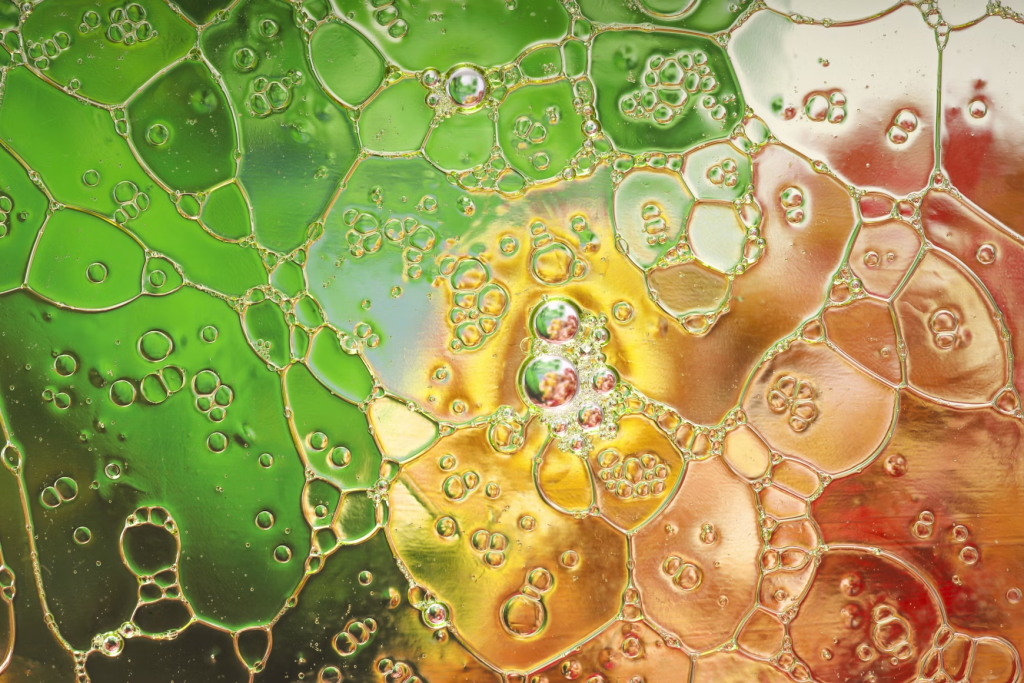
Color theory is not just about what looks good. It explains how colors affect the human brain and emotions. Warm and cool colors are placed on opposite sides of the color wheel. Warm colors sit with reds, oranges, and yellows. Cool colors include blues, greens, and purples.
Warm colors are tied to feelings of heat, fire, and movement. They spark energy and make spaces feel smaller and more personal. Cool colors connect with water, the sky, and shade. They calm the mind and make spaces feel larger and more open.
Psychologists and designers have studied these effects for decades. They show that people respond to colors almost instantly. For example, warm tones can increase a sense of urgency, while cool tones can reduce stress and create trust. This is why colors are a huge part of UX strategy and research.
This is why understanding color temperature is essential. It is not only about style. It is about how you shape the mood, behavior, and perception of anyone interacting with your design.
Warm vs Cool Colors at a Glance
To see the contrast more clearly, here is a side-by-side breakdown of warm and cool colors.
| Feature | Warm Colors | Cool Colors |
| Emotional Impact | Excitement, passion, comfort, urgency | Calmness, trust, relaxation, balance |
| Visual Temperature | Feels like fire, sunlight, closeness | Feels like water, air, openness |
| Common Shades | Red, orange, yellow | Blue, green, purple |
| Design Use | Buttons, icons, call-to-actions | Backgrounds, text, layouts |
| Effect on Attention | Grabs focus quickly | Creates space and balance |
| Space Perception | Makes areas feel smaller and more intimate | Makes areas feel larger and more open |
| Marketing Fit | Fitness, fast food, and gaming | Finance, tech, healthcare |
| Readability | High contrast, but it can overwhelm if overused | Easy on the eyes, ideal for long reading |
| Call-to-Action | Strong for urgency and clicks | Subtle support for structure |
| Color Psychology | Energy, excitement, happiness | Trust, calmness, stability |
What Are Warm Colors?
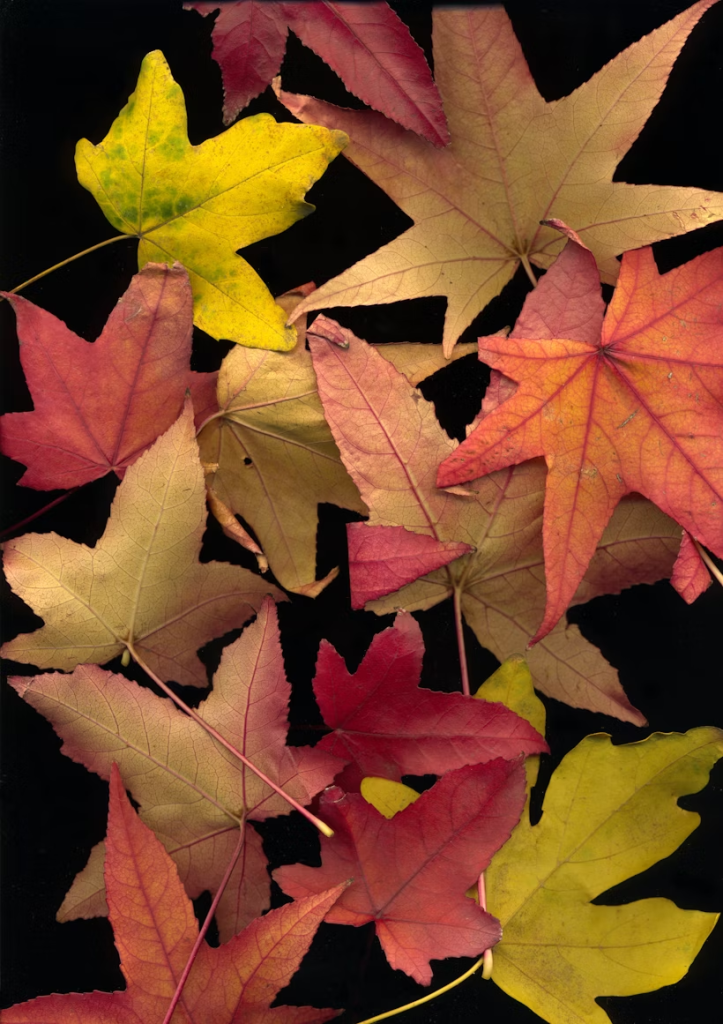
The main warm colors are red, orange, and yellow. Each carries its own meaning and effect.
Red
Red is the strongest warm color. It is linked with passion, love, and urgency. In design, red instantly grabs attention. That is why it is often used for warning signs, error messages, and urgent call-to-action buttons.
When used in moderation, red creates excitement and encourages quick decisions, such as pressing “Buy Now.” But if overused, it can overwhelm and cause visual fatigue. The key is balance. Pairing red with softer or neutral tones helps control its intensity.
Orange
Orange mixes the energy of red with the positivity of yellow. It is a lively and welcoming color. Orange often represents creativity, enthusiasm, and friendliness.
In digital design, orange works well for buttons, banners, or highlights that need focus but do not feel as aggressive as red. Many creative and tech brands use orange to appear approachable and dynamic. It also pairs nicely with cooler tones like blue or green, creating harmony.
Yellow
Yellow is the brightest of the warm colors. It symbolizes happiness, optimism, and clarity. Because of its brightness, it easily draws the eye to key features, alerts, or promotions.
Yellow is often used in wellness and lifestyle designs to project positivity. But too much yellow can be harsh and tiring on the eyes. To avoid this, designers often use it as an accent color alongside darker shades or neutrals. When balanced, yellow adds warmth and friendliness without overwhelming the space.
What Are Cool Colors?

The main cool colors are blue, green, and purple. Each has its own personality and use.
Blue
Blue is the most common cool color in digital design. It represents trust, reliability, and professionalism. That is why banks, healthcare companies, and tech brands often use it.
Light blue works well for backgrounds, giving a soft and open feeling. Darker blues are strong choices for text, links, or call-to-action elements. Blue reduces stress, improves focus, and supports a sense of security, making it perfect for long-term user engagement.
Green
Green connects directly with nature and balance. It represents health, growth, and success. In web design, green is often used in confirmation messages, wellness platforms, and eco-friendly branding.
Light greens create a fresh, welcoming mood, while darker greens give a sense of stability and seriousness. Because green is easy on the eyes, it is effective for apps or dashboards where people spend long periods of time.
Purple
Purple combines the calmness of blue with the energy of red. It is often linked with creativity, luxury, and elegance. Designers use purple to add sophistication and style.
Dark purples feel rich and royal, while lighter shades like lavender are soothing and approachable. Purple is popular in beauty, fashion, and artistic branding because it stands out without being too bold. It is also effective for accents such as buttons or icons in designs that need a touch of uniqueness.
How to Tell if a Color is Warm or Cool
Not every color is purely warm or cool. Many fall in between, depending on their undertones and the context they are used in. Here are simple ways to figure it out:
Identify the Dominant Hue
Every color has a base that connects back to the three primaries: red, blue, or yellow.
- Colors leaning toward red or yellow fall into the warm group.
- Colors leaning toward blue fall into the cool group.
Example: A coral shade feels warm because it carries red and yellow, while teal feels cool because it mixes blue and green.
Study the Undertones
Most colors are not pure. They carry undertones that push them warmer or cooler.
- Warm undertones: hints of red, orange, or yellow.
- Cool undertones: hints of blue, green, or violet.
Example: Red mixed with yellow becomes a warm tomato red, while red mixed with blue becomes a cooler crimson.
Use the Color Wheel as a Guide

The color wheel is a designer’s map.
- The left side (reds, oranges, yellows) shows warm colors.
- The right side (blues, greens, purples) shows cool colors.
This visual split helps you place tricky shades, like pinks or teal, in context.
Test Colors in Lighting
Lighting can change how a color is perceived.
- Natural light often brings out warmth in a color.
- Artificial light can push a color cooler, especially under white or fluorescent bulbs.
Example: A beige wall may look warm in daylight but turn greyish under cool LED lighting.
Compare Side by Side
Colors shift depending on their neighbors. This is called relative temperature.
- A mid-red will appear warmer next to blue.
- The same red will appear cooler when placed beside bright orange.
Designers use this trick to balance palettes and guide the viewer’s focus.
How to Design with Warm and Cool Colors
Using warm and cool colors together creates balance, depth, and visual interest. When applied thoughtfully, they can guide attention, set the right mood, and make a design feel complete. Here are strategies to make the most of both:
Make Eye-Catching Features with Warm Colors
Warm colors are natural attention-grabbers. In web or app design, reds, oranges, and yellows work well for buttons, banners, and icons that need action. A “Buy Now” button in bold red or orange is far more likely to stand out than one in grey. Warm colors carry energy and urgency, which makes them ideal for highlights and call-to-actions.
Use Cool Colors to Add Depth
Blues, greens, and purples are great for building space into a layout. They work well as background shades, section dividers, or areas where you want calm and structure. A cool-toned background paired with warm highlights ensures that the focus falls exactly where you want it, without overwhelming the user.
Create Visual Balance
Pairing warm and cool tones creates contrast that keeps a design engaging. An orange element on a blue background is a classic example. The warm color pushes forward, the cool one recedes, and together they create harmony. This balance makes designs easier to navigate and more enjoyable to look at.
Pay Attention to Relative Temperature
Colors do not exist in isolation. Their temperature changes depending on what surrounds them. A vivid red may feel warmer against a cool blue, but cooler when placed next to a bright yellow. Designers use this effect to shift mood and create subtle emotional cues.
Highlight Interactions with Warm Accents

Interactive elements like buttons and hover effects benefit from warm tones. A calm blue navigation bar feels stable, but adding a bright orange or yellow “Sign Up” button draws the eye exactly where you want it. Warm accents make sure actions never get lost in the layout.
Use Psychology to Shape Emotion
Colors influence behavior. Warm tones can spark urgency, action, and excitement: perfect for promotions or alerts. Cool tones evoke trust, calmness, and stability – ideal for content-heavy areas or services that focus on reassurance. Mixing them allows you to control both action and mood in your design.
Keep the Palette Balanced
Too many contrasting colors can make a design look messy. A limited palette with both warm and cool shades gives structure and professionalism. For example, a cool blue background with orange or yellow highlights is a simple way to achieve harmony.
Add Subtle Accents with Cool Shades
Not every part of a design needs intensity. Light blues, greens, or purples can serve as subtle accents in areas where focus should stay on the content. They ease the eye, improve readability, and keep the design polished without distraction.